


Lens Selection Tool
Record your sensor, field of view, working distance and wavelength. Review the preliminary results and download a requirements summary.
Open the ToolSUPERIOR OPTICS / RESOURCES
Find optical lens resources for camera design, industrial imaging and OEM projects. Explore engineering guides, use the lens selection tool to organize your project inputs, or read the optical lens blog for practical examples. Start with the question you need to answer, then use the relevant guide or tool to plan your next step.
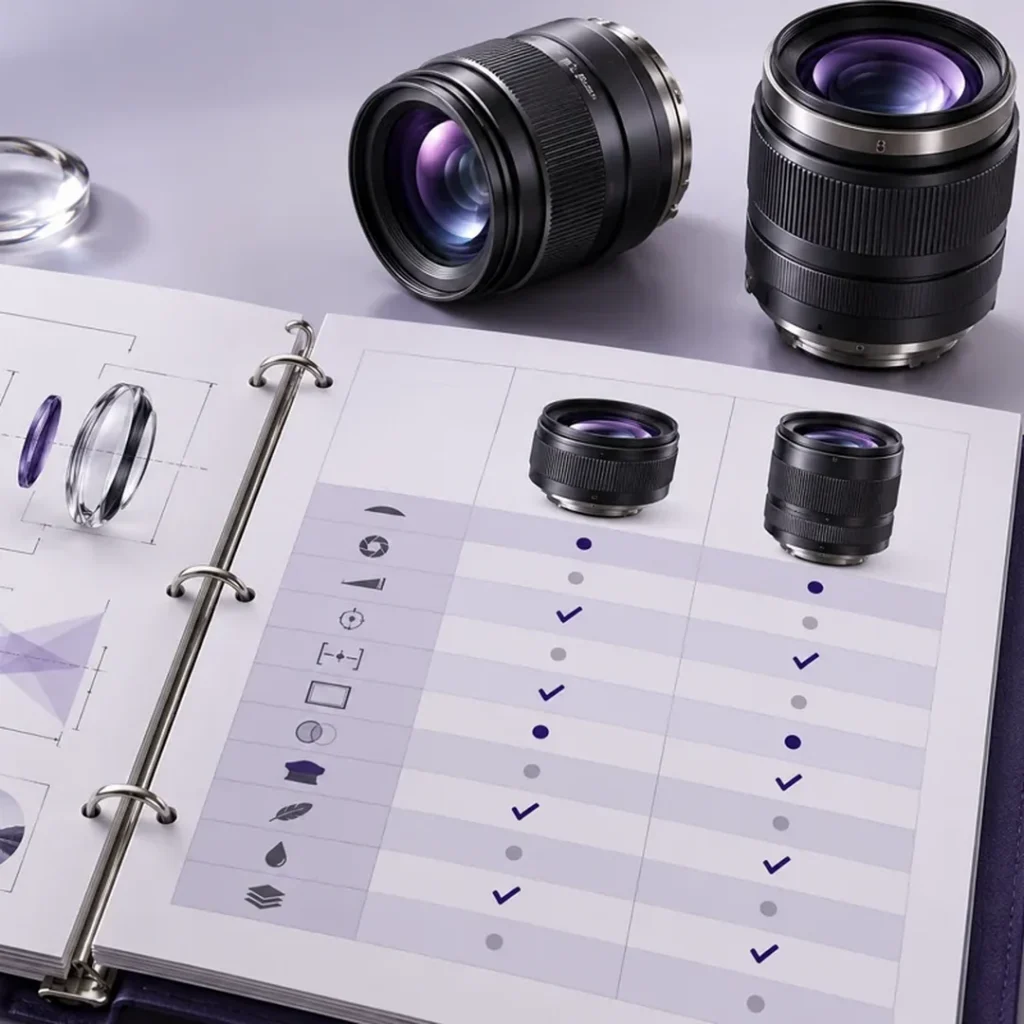
Explore our Optical Lens Resources to find the right starting point for your project. Use the selection tool to organize your requirements, check camera and lens compatibility in the engineering guides, or read the blog for practical application examples.
Record your sensor, field of view, working distance and wavelength. Review the preliminary results and download a requirements summary.
Open the ToolWork through sensor matching, imaging geometry, image quality, wavelength and mechanical integration in the order your project needs.
Browse the GuidesRead application notes and engineering articles for industrial imaging, camera integration and lens evaluation.
Explore the BlogUse the table to match your next engineering decision to the right Optical Lens Resources. It shows where to start and what information to gather when defining imaging geometry, checking camera compatibility, or comparing inspection approaches.
| If you need to… | Start with… | Have this information ready |
|---|---|---|
| Narrow down geometry | Lens Selection Tool | Sensor active dimensions, object-side field of view and working distance. |
| Check camera compatibility | Lens Engineering Guides | Camera model, mount, available clearance and any cover glass or filter. |
| Compare imaging approaches | Optical Lens Blog | Application, sample images, smallest relevant feature and operating conditions. |
When comparing machine vision cameras, see the EMVA 1288 Standard for Camera and Sensor Characterization for a consistent basis for interpreting sensor performance data. Use the lens datasheet and camera drawing to verify optical coverage and mechanical fit.
Browse Optical Lens Resources by the question you need to answer. Check sensor coverage and field of view, see how aperture and wavelength affect image quality, or review mounting and space constraints before narrowing your lens shortlist.
Check sensor coverage and define the area the camera must see.
Explore GeometryReview contrast, aperture, illumination and the operating spectral band.
Explore PerformanceCheck mounting interfaces, installation space and optics for measurement or web inspection.
Explore IntegrationThese selected articles from our Optical Lens Resources cover three decisions that shape a lens shortlist: whether a lens covers your sensor, whether it fits your camera, and which lens family suits the inspection task. Start with the question you still need to resolve.
Review image circle and chief ray angle before selecting a lens for your sensor.
Read the GuideCompare mounting interfaces and identify the dimensions to check on your camera drawing.
Read the GuideCompare candidate lens families by working geometry and what the camera needs to resolve.
Read the GuideUse the checklists in our Optical Lens Resources to prepare a brief before comparing models, requesting samples, or contacting engineering. Record what the camera must see, how it will be installed, and what a sample must demonstrate to pass.
Explain what the camera must detect, measure, or identify. Include the smallest feature that matters and share a representative part or image so the reviewer can see what a successful result looks like.
List the camera and sensor models, active sensor dimensions, and required field of view at the object. Note the intended working distance and whether the camera position is fixed or adjustable.
Describe the illumination, operating wavelength band, and available mounting clearance. Note how part height, position, or motion varies during operation so the team can choose test conditions that reflect actual use.
Agree on which features must be visible, where in the image they should be checked, and what counts as a pass. Record the lighting and camera settings so the test can be repeated.
Our Optical Lens Resources help you decide which information to use at each stage of selection. These answers explain when an estimate is useful, which documents to check for exact specifications, and when to request a sample or an engineering review.
Start with the datasheet or drawing for the exact lens model and revision. Cross-check it against the camera documentation, and ask for clarification if the mount dimensions or test conditions are missing.
Use the tool to organize inputs and narrow the shortlist. Before choosing a model, verify the actual specifications and test a sample if coverage, focus, or feature contrast is critical.
Check whether they report horizontal, vertical, or diagonal coverage, and whether they use the same sensor size and working distance. Compare values only after aligning those conditions.
Ask for a review when the requirements conflict or a key input is unknown. Share the camera model, target field of view, working distance, and any drawings or sample images you have.
Turn what you learned from the Optical Lens Resources into a first review with the Lens Selection Tool. If you already have drawings, sample images, or specific performance targets, share them with SUPERIOR and flag what you still need to verify.
Summarize your project inputs and check what can be estimated before comparing products.
Open Lens Selection ToolShare your project details and flag any conflicting or unknown requirements.
Contact SUPERIOR