


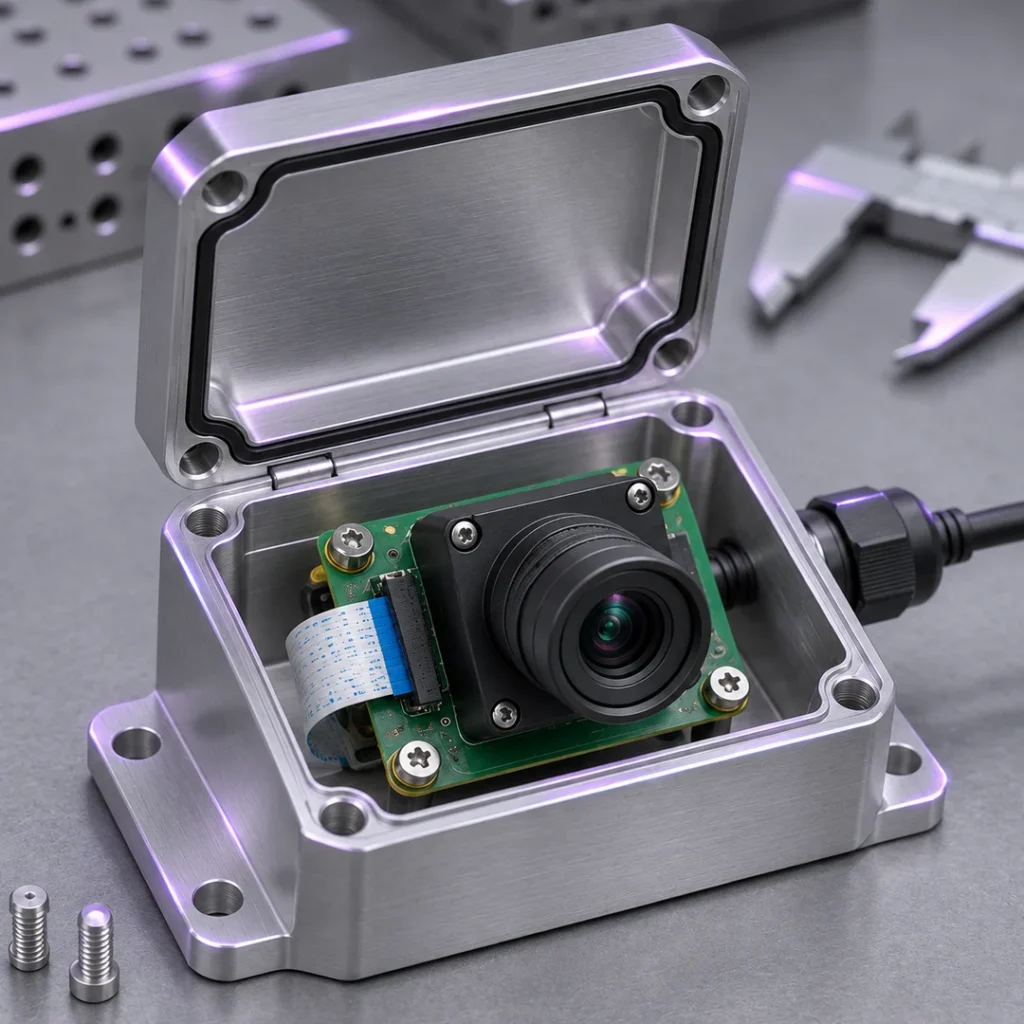
Compact Camera Integration
Fit the camera into a device with limited depth or a small front opening. Check clearance and verify that the enclosure does not cut off the required view.
SUPERIOR OPTICS / APPLICATIONS
Design an embedded or panoramic camera around the scene it must cover and the details users need to recognize near the edges. Start with the required horizontal and vertical views, then check the lens, sensor, and enclosure together. Evaluate the final output after cropping or dewarping to confirm the required scene is still usable.
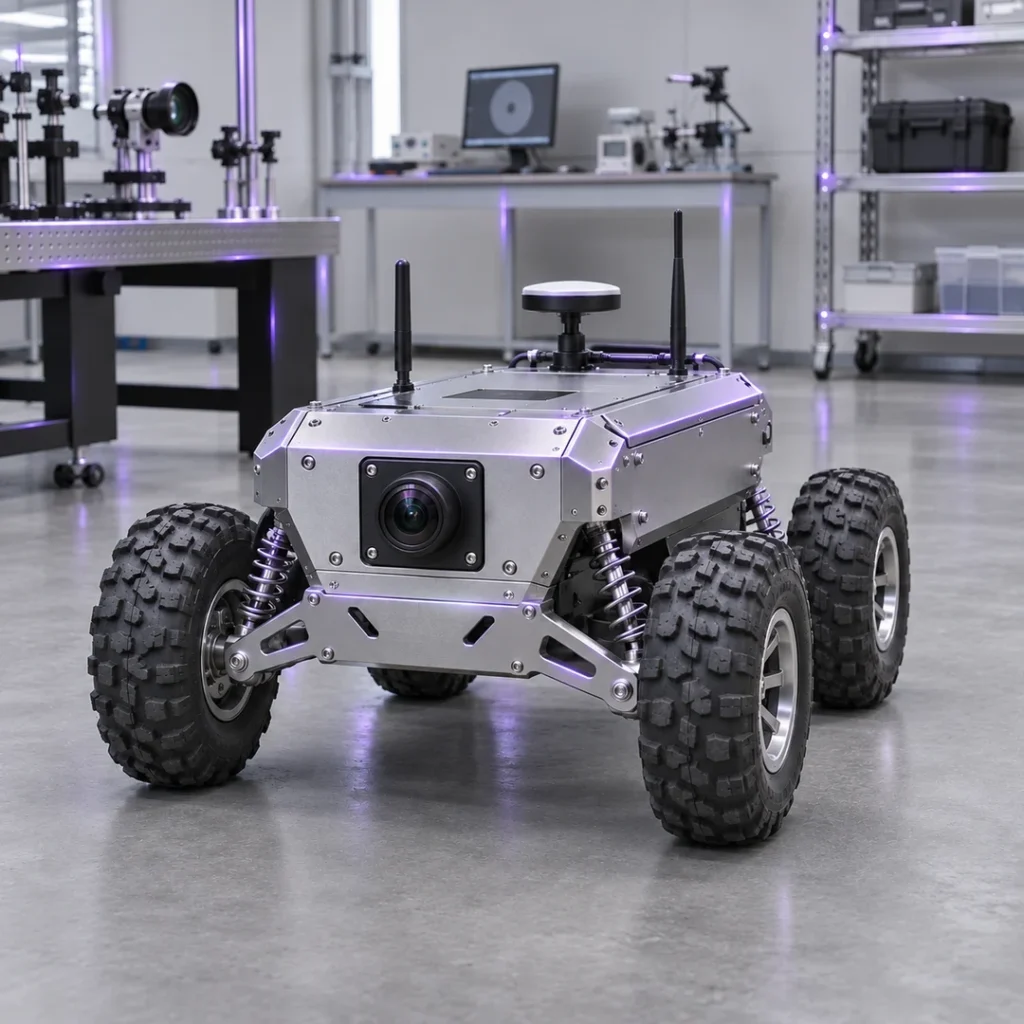
Embedded & Panoramic Imaging starts with what the finished camera must see. Compare a compact module, a wide-view embedded camera, and a panoramic installation to decide which scene boundaries and edge details to check.
Fit the camera into a device with limited depth or a small front opening. Check clearance and verify that the enclosure does not cut off the required view.

Cover a broad scene while retaining enough edge detail to recognize the intended target. Compare images before and after installing the enclosure.
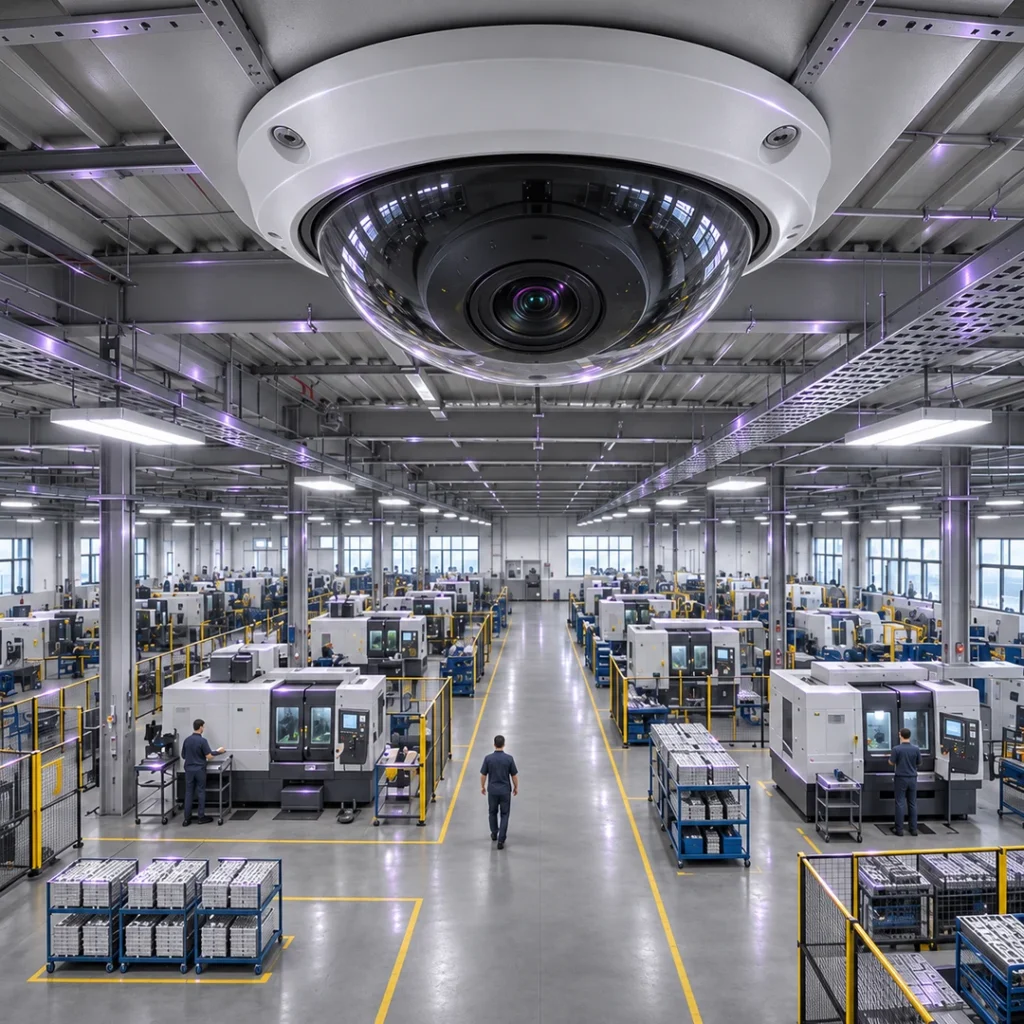
Define what the user must see in the panoramic image. Check the displayed view after dewarping and cropping, including targets near the edges.
Validate Embedded & Panoramic Imaging in the final enclosure and at the intended mounting position. Check the center, edges, and corners before and after cropping or dewarping so you can see which areas remain useful.
Specify horizontal and vertical views and where the camera will be mounted. Mark the areas that must remain visible.
Place representative targets at the center, edges, and corners. Check whether each can be recognized at the intended distance.
Compare images before and after fitting the enclosure and any front window. Look for clipped corners, darkening, or reflections.
Repeat the tests with production cropping and dewarping enabled. Confirm that the final output retains the required coverage and detail.
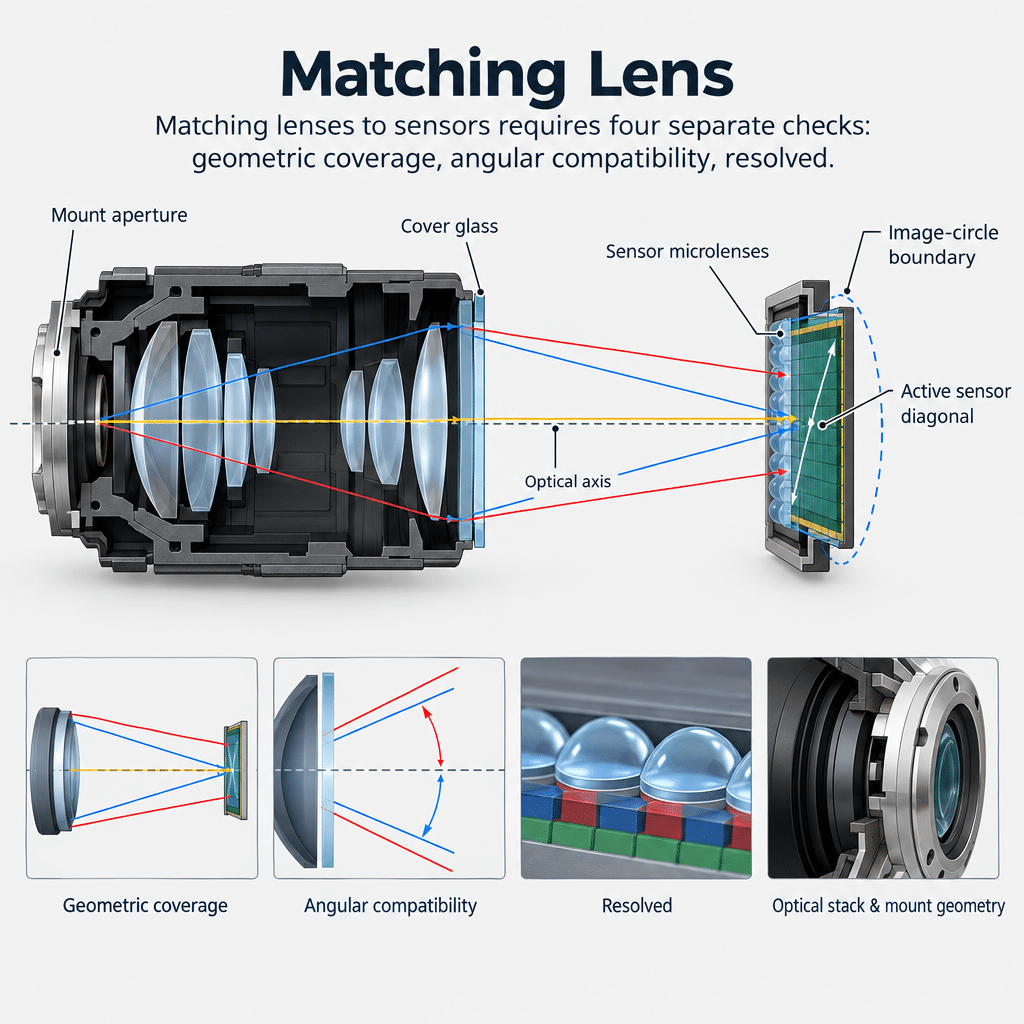
For Embedded & Panoramic Imaging, compare M12 options for compact mounting and fisheye options for broader coverage. Check sensor compatibility, usable edge detail, and clearance with the camera assembled.
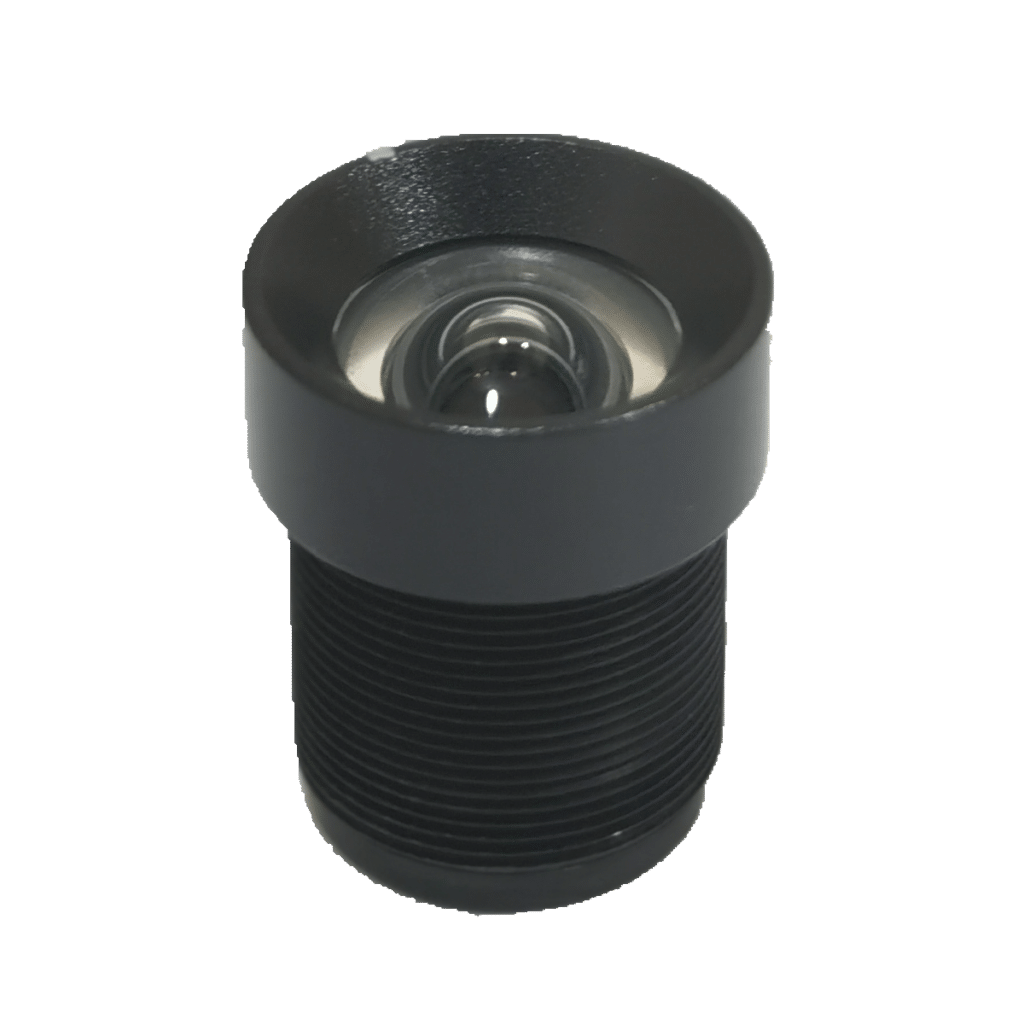
Compare compact S-mount lenses for board cameras. Check sensor coverage, field of view, and mounting clearance before choosing a lens for your camera enclosure.
Browse M12 Lenses
Compare fisheye lenses when a wider view matters more than keeping straight lines straight. Check sensor coverage and usable edge detail in the final panoramic image.
Browse Fisheye LensesUse these Embedded & Panoramic Imaging guides to check lens and sensor compatibility and plan wide-angle tests. Compare the view before and after fitting the enclosure, then confirm that the final image retains the required coverage and detail.
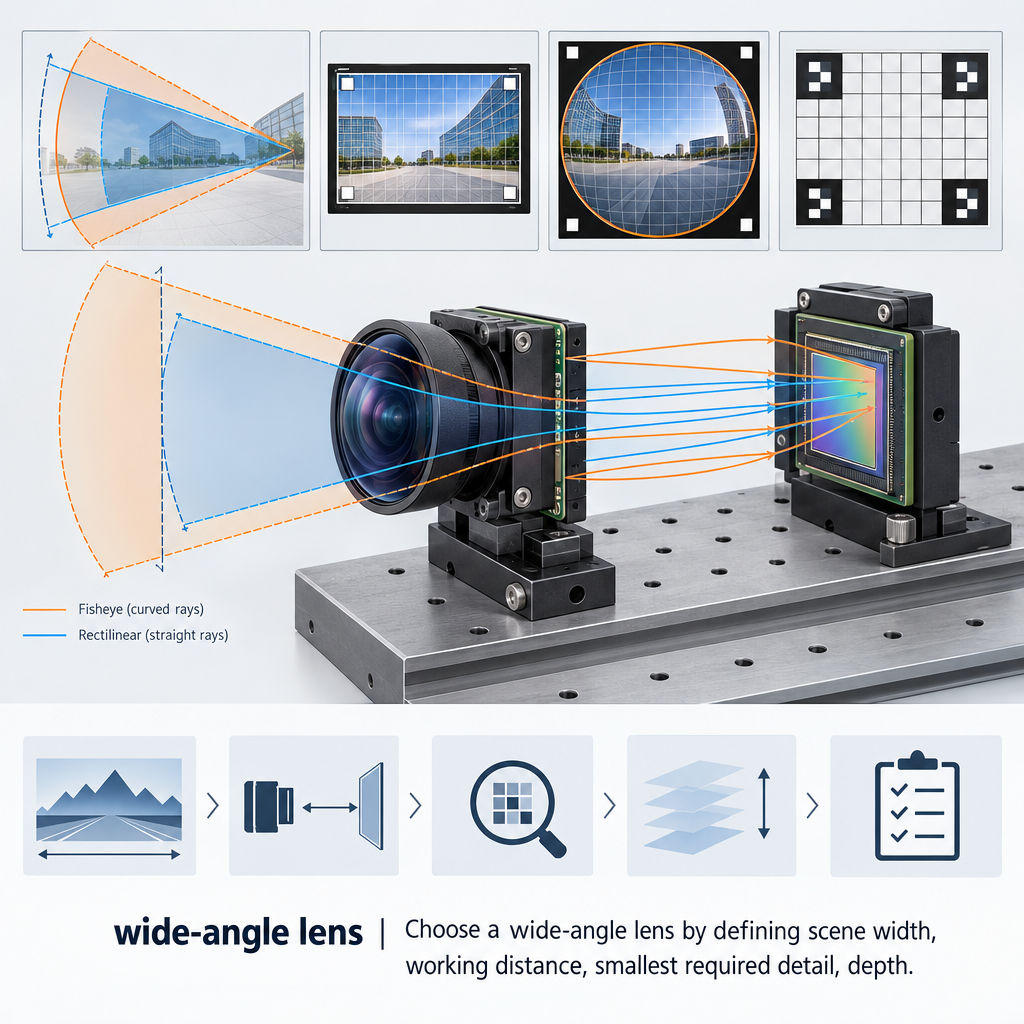
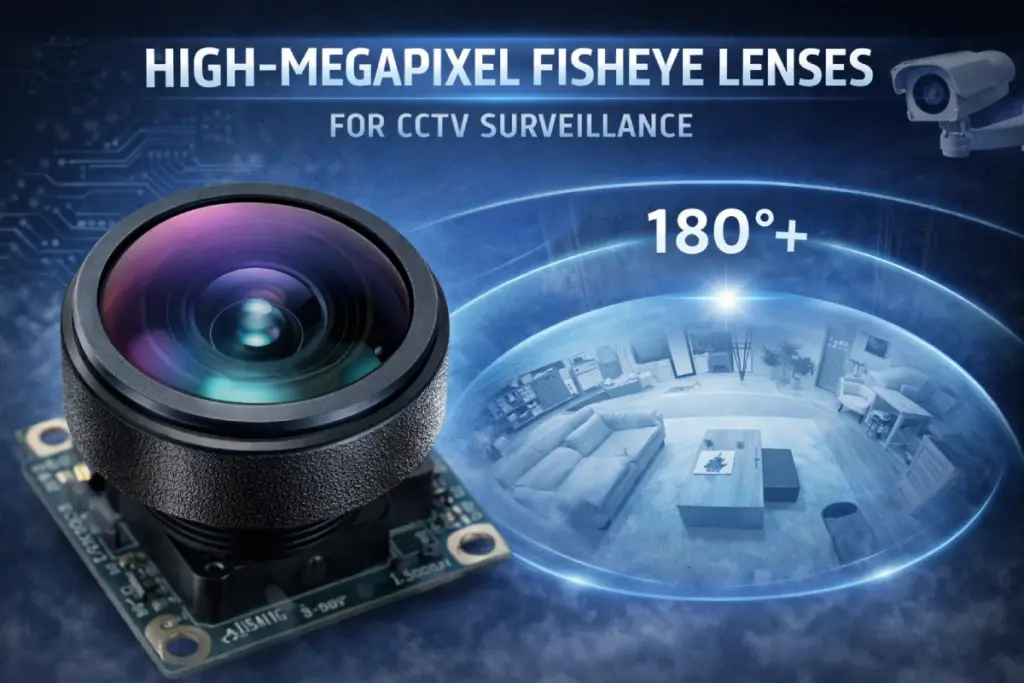
See how fisheye coverage and dewarping affect usable detail.
Read GuideBUYER QUESTIONS
Common Embedded & Panoramic Imaging questions about coverage, lens fit, and the final camera image.
No. State the horizontal and vertical views needed in the final output, especially if the camera crops or dewarps the image.
Yes. Compare the bench image with the assembled camera output to check whether the opening, front window, or processing changes the usable view.
Match the mount and image circle to the sensor, then check front and rear clearance. Test focus and edge detail with the actual enclosure and any protective window installed.
It can. Dewarping and cropping can change which areas remain visible and how detail is distributed. Check representative targets near the edges in the final output, using the production settings.
PROJECT INQUIRY
Share the sensor model, required horizontal and vertical field of view, enclosure drawing, and the target detail you need to recognize near the edges.
Include a model number or the information currently available:
You do not need a complete optical specification to start. Send the information currently available, along with your delivery destination and preferred schedule.