


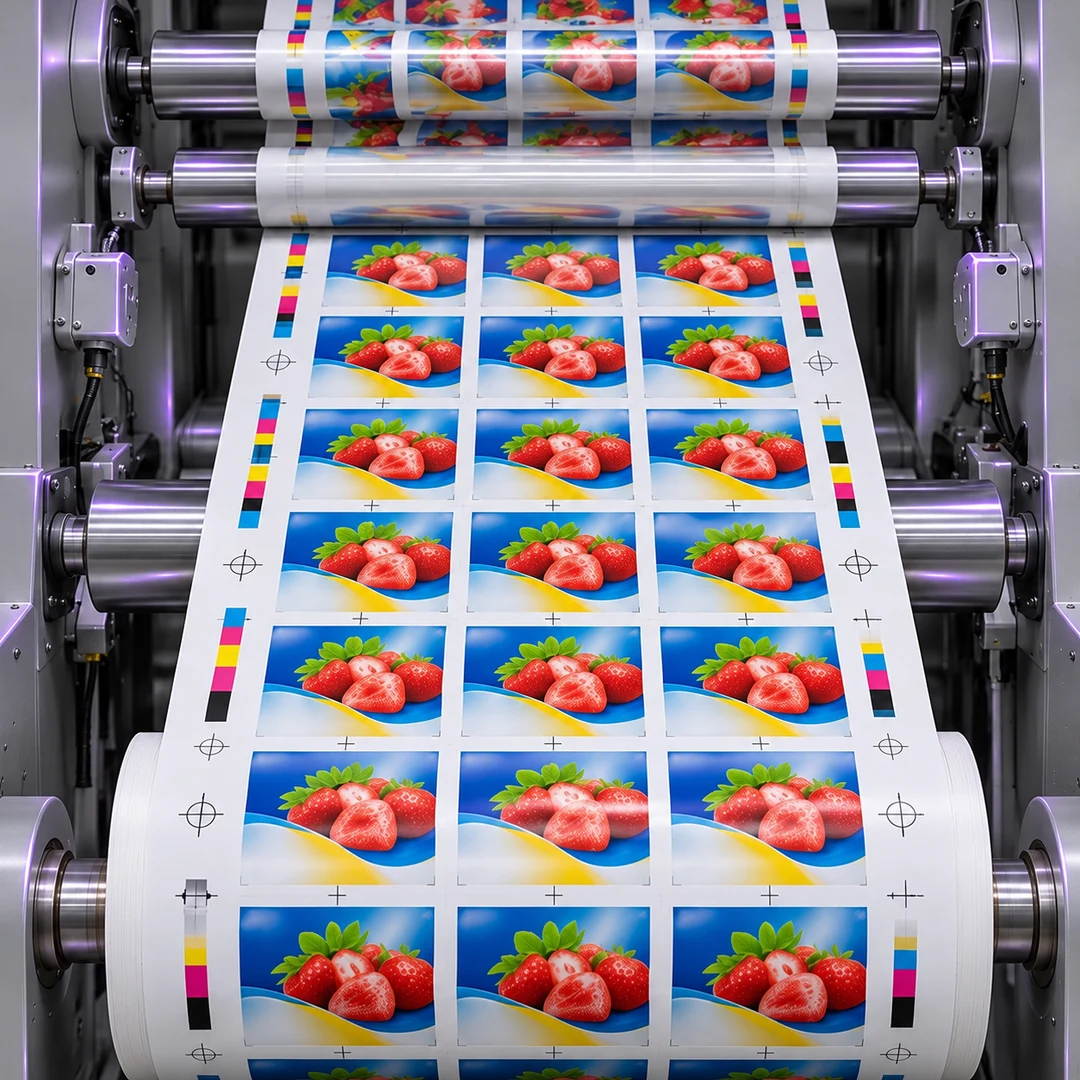
Print & Label Webs
Check registration shifts, missing print, and streaks. Use samples from the center and edges to verify that fine marks remain visible at production speed.
SUPERIOR OPTICS / APPLICATIONS
Plan line scan web inspection around the material width, production speed, and smallest defect you need to detect. A setup that covers the full web still needs to show enough detail at the edges and at operating speed. Use the scenarios and checks below to define what your camera, lens, and lighting must deliver before testing on the line.

Line Scan Web Inspection starts with the material and the defects you need to detect. Compare printed labels, coated film, and metal foil to see what changes in lighting and which samples to test at production speed.
Check registration shifts, missing print, and streaks. Use samples from the center and edges to verify that fine marks remain visible at production speed.
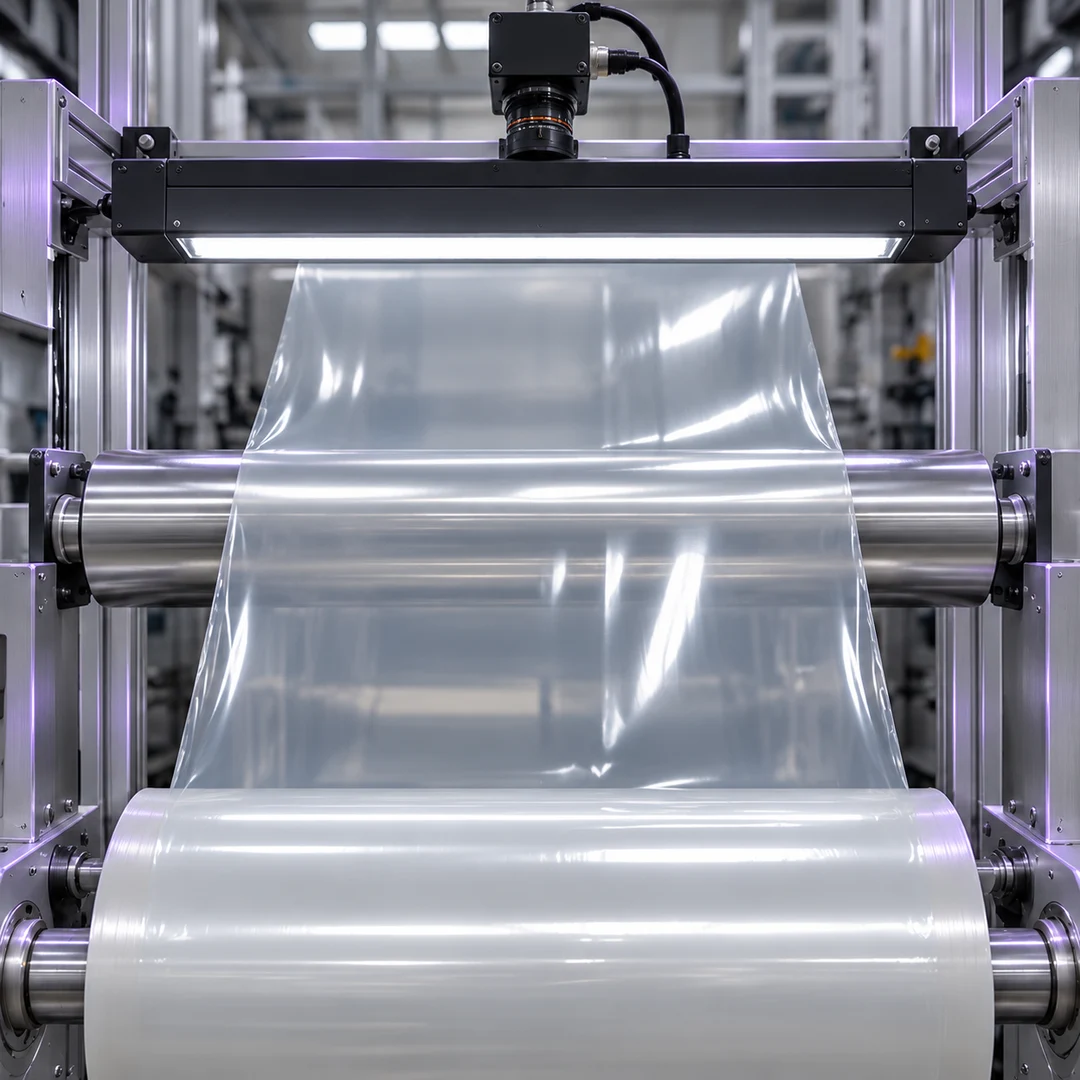
Look for scratches, pinholes, or coating irregularities. Compare lighting setups on real samples to see which one makes defects visible against the material.
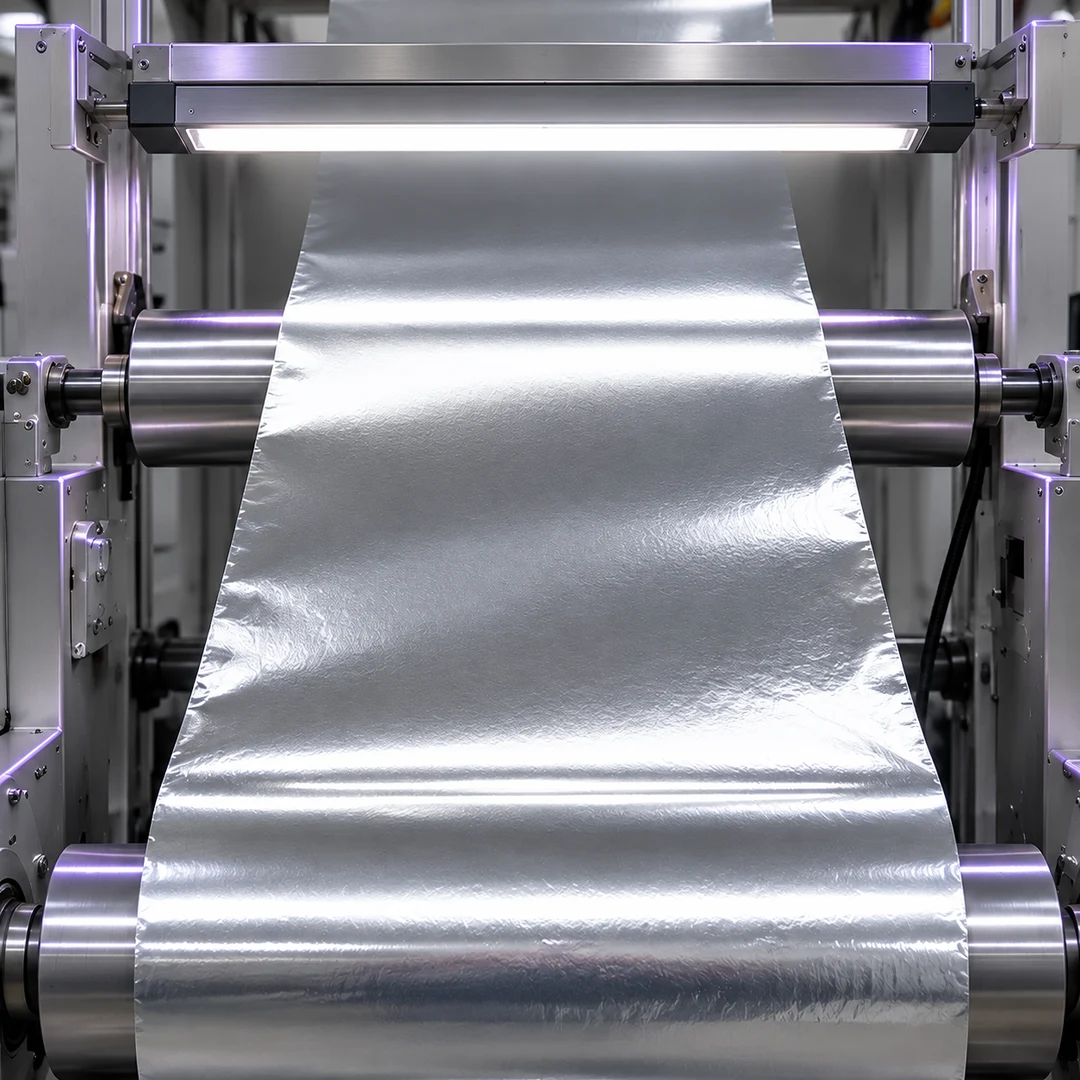
Inspect for dents and surface marks on moving strip. Test across the full width at normal line speeds to see whether glare or motion hides the smallest defect.
Define the coverage and smallest defect for Line Scan Web Inspection before choosing the optics. Set separate sampling requirements across and along the web, then check edge detail and motion blur on the running line.
Record the maximum web width, lateral movement, and edge margin. Verify that the outer inspection zones remain visible.
Record its size, orientation, and contrast. Check that it can be distinguished from normal material variation.
Use the web speed and required spacing between scan lines to estimate the line rate. Check speed changes and exposure blur.
Record working distance and available space. Check detail and illumination across the full width from the installed position.
See Teledyne Vision Solutions’ guide to line scan image quality at production speeds for a worked example of how web speed, line rate, and encoder triggering affect sampling along the web.
Teledyne Vision Solutions’ guide to line scan image quality at production speeds
For Line Scan Web Inspection, check line sensor coverage and detail across the web before narrowing your lens choices. When a separate camera needs to monitor a wider area, compare its viewing angle, edge detail, and mounting clearance.

Compare line scan lenses for continuous web inspection. Check sensor coverage, working distance, and mounting clearance, then verify that fine defects remain visible across the full inspection width.
Browse Line Scan Lenses
Use a separate wide-view camera to monitor web tracking or the surrounding production area. Verify edge detail and distortion in the final mounting position.
Browse Wide Angle LensesUse these Line Scan Web Inspection guides to turn web width, speed, working distance, and minimum defect size into a test plan. Compare inspection approaches, then check whether the proposed geometry delivers enough detail across the moving web.
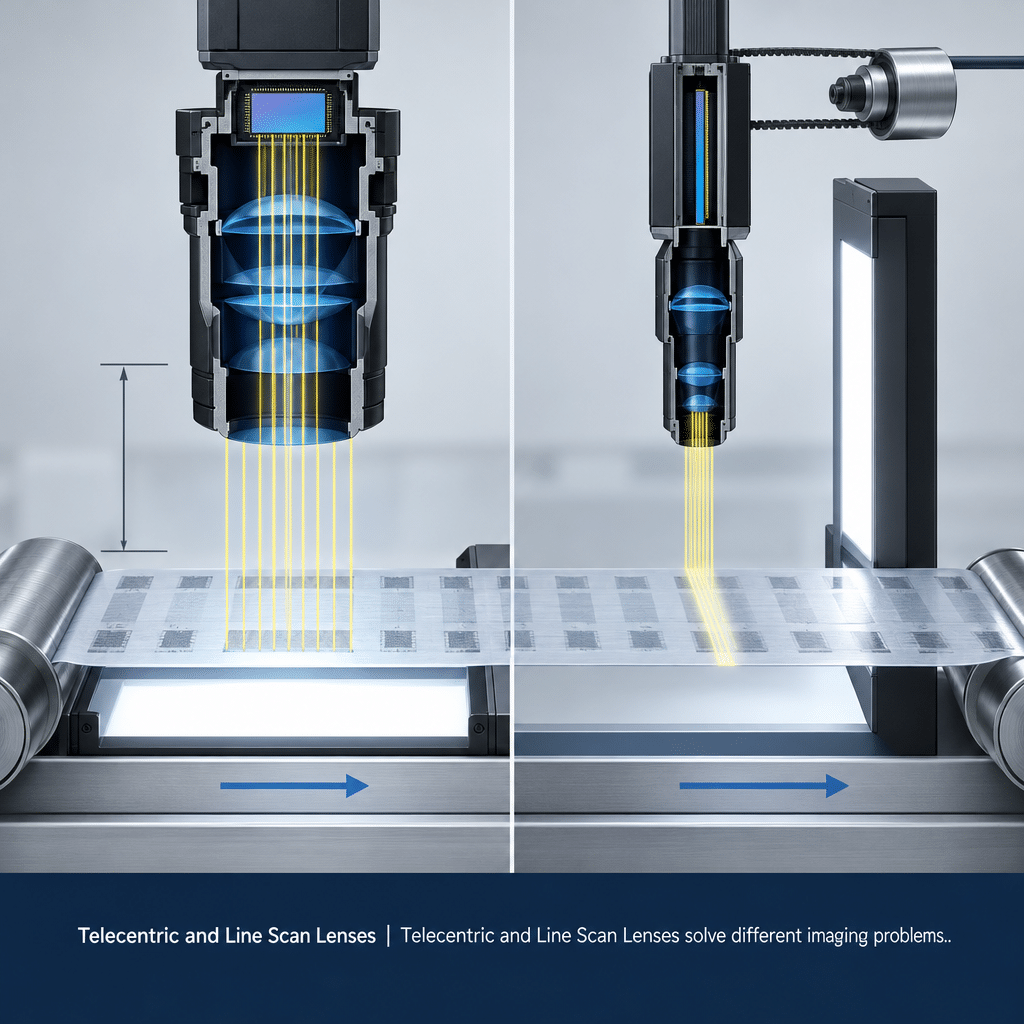
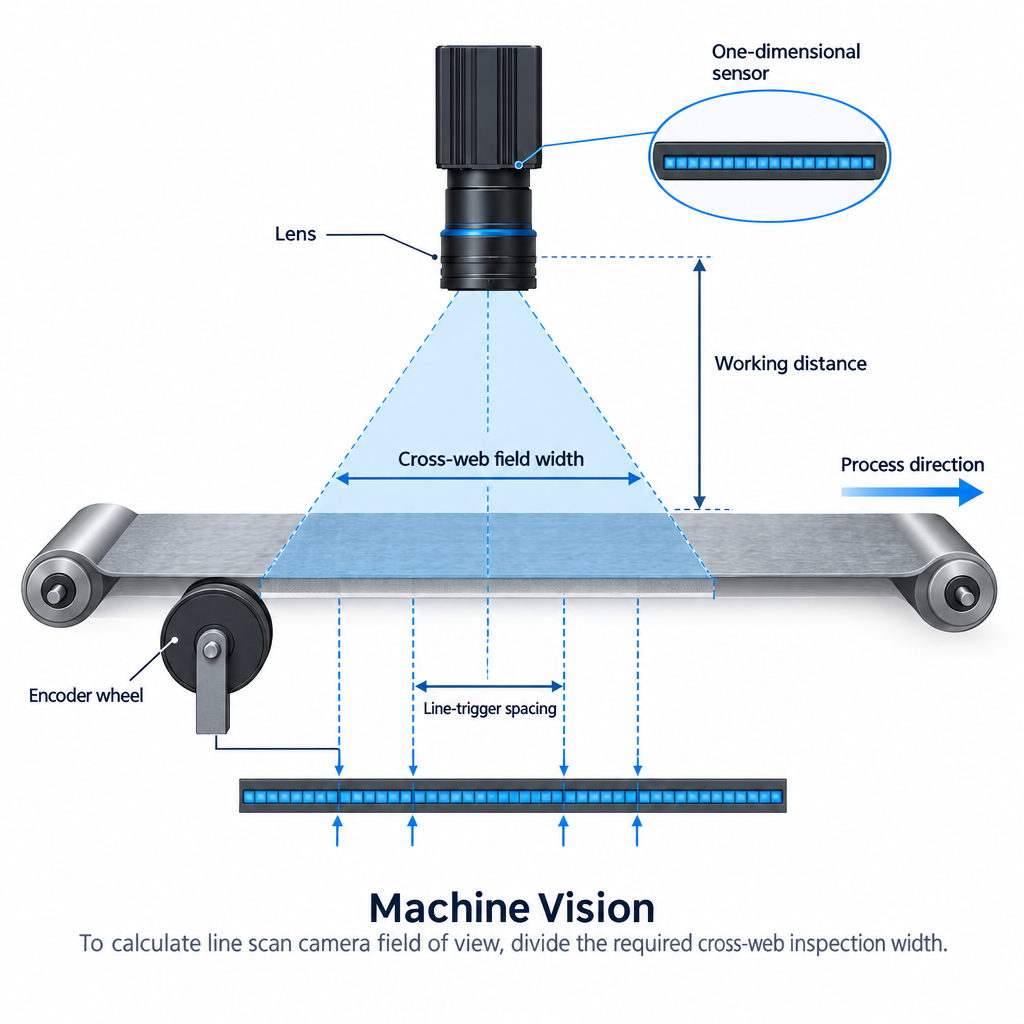
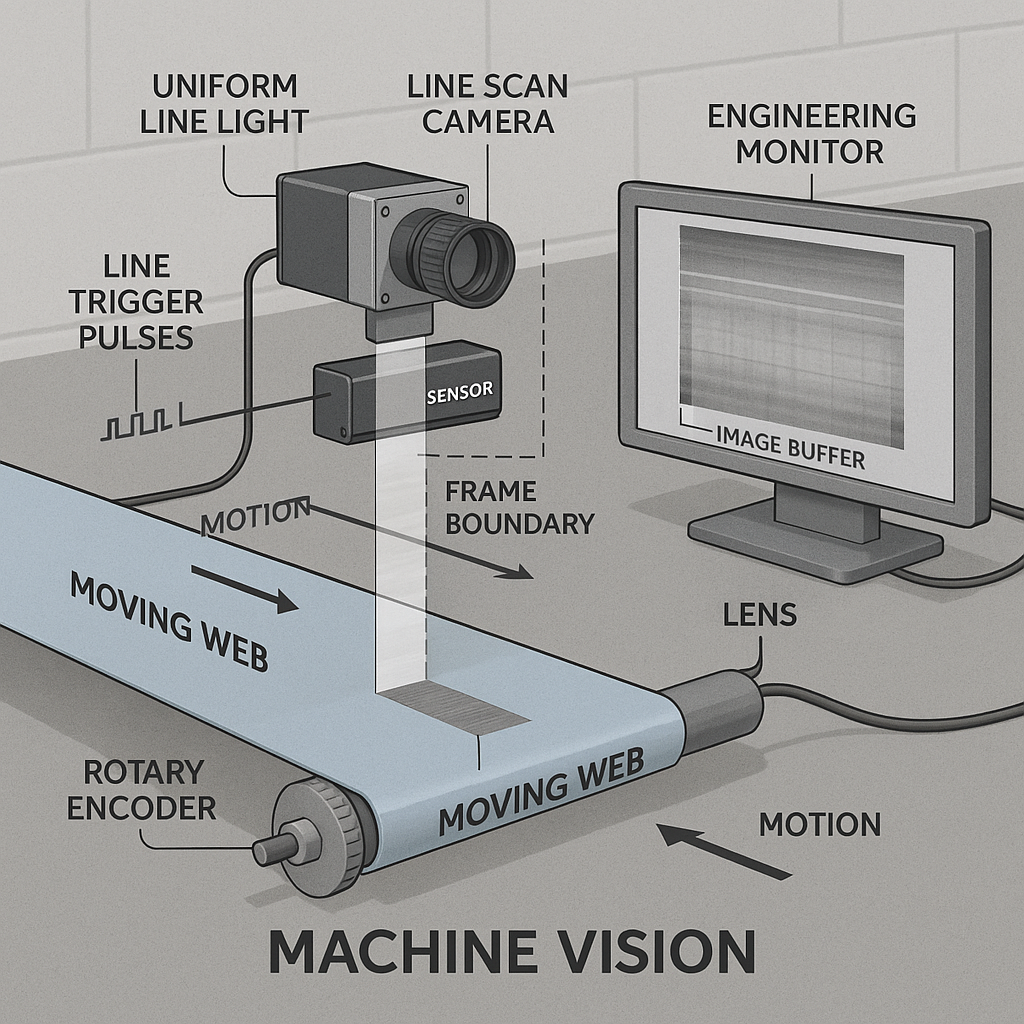
Set line rate, encoder triggering, and exposure to limit blur.
Read GuideFor lens selection calculations, see Schäfter + Kirchhoff’s line scan optics reference (PDF), particularly the Optical System Layout – Basics section on field of view, sensor length, and magnification.
BUYER QUESTIONS
Answers to common Line Scan Web Inspection questions about coverage, line rate, lighting, and lens selection.
No. Coverage shows what is in frame. Confirm that the smallest relevant defects are visible across the web at operating speed.
Check the spacing between captured lines across the operating speed range. If using encoder triggering, verify that it follows the actual material movement.
Divide the maximum web speed by the desired distance between captured lines, using consistent units. Then check whether the camera and exposure time can deliver useful images at that rate.
Consider it for a separate overview camera that tracks the web or monitors the station. For fine defect detection, select the inspection lens based on line sensor coverage and usable detail across the inspection width.
PROJECT INQUIRY
Share the material type, maximum web width, operating speed range, smallest defect, and available mounting distance. Sample images or a line drawing will help define the first test.
Include a model number or the information currently available:
You do not need a complete optical specification to start. Send the information currently available, along with your delivery destination and preferred schedule.